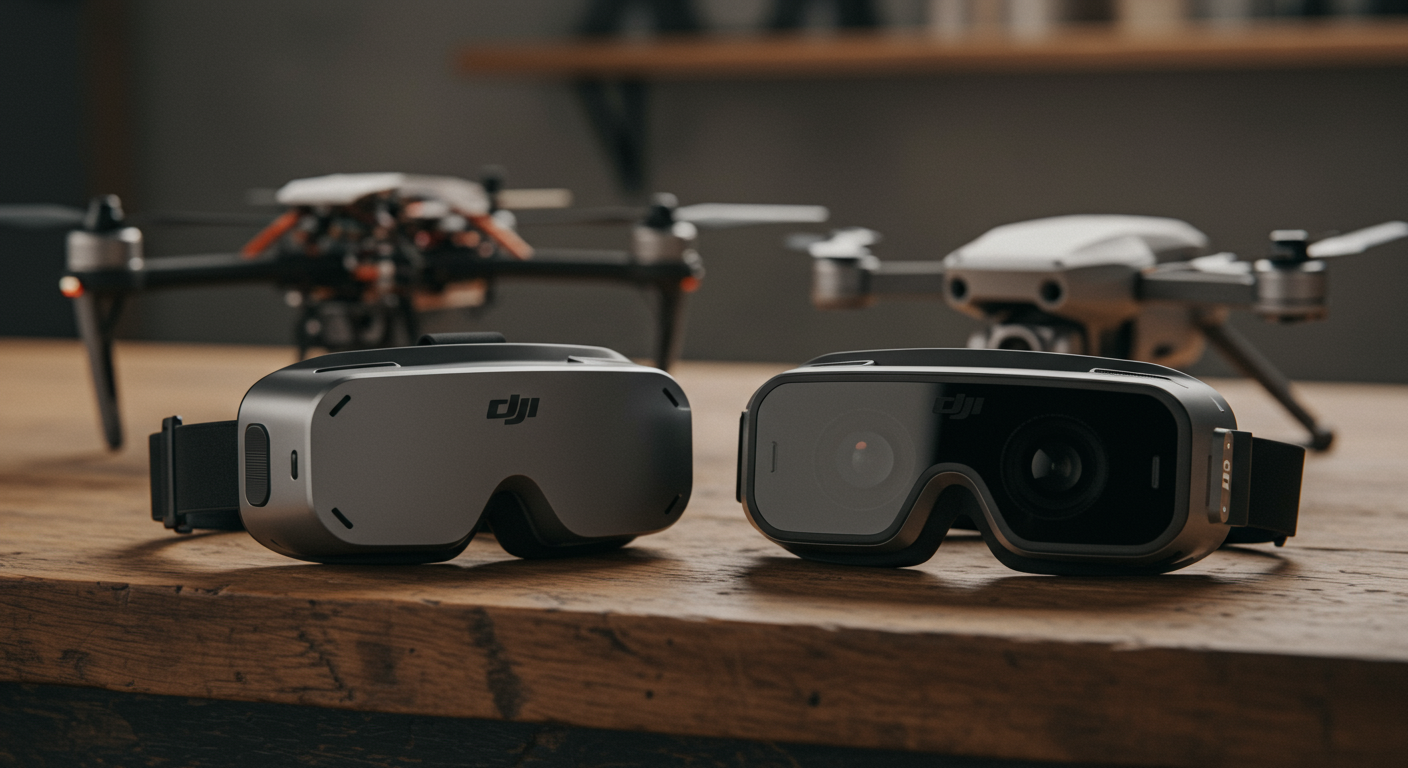
The DJI Goggles 3 and Goggles N3 are both compatible with DJI's O4 digital video system, but they target different pilots at different price points. The Goggles 3 are DJI's premium model, featuring dual micro-OLED displays and a higher-end optical path, while the Goggles N3 are a newer, lighter, single-screen option designed to bring O4 compatibility to a wider audience at a lower price. Both goggles work out of the box with MemAero's Aero 2 and Aero 3, which run the DJI O4 and O4 Pro air units respectively — so the question is not compatibility, but which experience suits your flying style and budget.
How the two goggle designs differ
The Goggles 3 use a dual micro-OLED panel arrangement — one display per eye — which is a fundamentally different optical design from a single-screen system. Each eye receives its own dedicated display, and the optics route those images to give a deep, immersive field of view. The result is a display experience that is generally regarded as the highest quality currently available in consumer FPV goggles. The Goggles N3, launched later, adopt a different physical format: a lighter, more compact chassis with a single display unit. This makes them noticeably less heavy on the face during long sessions and considerably more portable. The N3 are also priced meaningfully below the Goggles 3, making them the realistic entry point for pilots wanting DJI O4 digital video without the full premium outlay. Neither goggle model includes a built-in radio transmitter, so both require a separate ELRS or DJI radio controller to arm and fly the aircraft.
Video quality and latency on the DJI O4 system
Both the Goggles 3 and the Goggles N3 receive the same DJI O4 video transmission signal — the link quality between drone and headset is identical. The O4 system delivers a smooth, HD live feed at low latency, a significant step forward from the O3 generation. The difference in perceived video quality between the two goggle models comes from the display hardware and optics rather than the wireless link itself. Goggles 3 users generally report a noticeably richer, more saturated image from the dual micro-OLED panels, with excellent black depth and sharpness. N3 users report a clean, clear image that is perfectly adequate for sport flying and creative filming. For pilots recording footage to the DJI O4 Air Unit's onboard SD card, the recorded quality is identical regardless of which headset you wear — the goggles display the signal; they do not determine what is recorded. See our full FPV goggles compatibility page for the current DJI goggle line-up.
Weight, comfort, and wearability
The Goggles N3 are lighter than the Goggles 3, which has practical consequences for longer flying sessions. A heavier headset causes neck fatigue more quickly, particularly during extended practice or filming flights lasting 30 minutes or more. The N3's lighter chassis and slimmer form factor suit pilots who travel frequently to flying sites, carry their gear in a backpack, or simply prefer a less bulky experience. The Goggles 3 are heavier but compensate with a premium padded face cushion, adjustable IPD (inter-pupillary distance), and dioptre correction for pilots who normally wear glasses. If eye comfort and optical precision matter most to you — particularly for immersive freestyle or racing use where display quality directly affects spatial awareness — the Goggles 3's dual micro-OLED panels provide a noticeably higher-fidelity view. Both models fold flat for storage.
Compatibility with MemAero drones and the DJI O4 system
Both the Aero 2 and the Aero 3 use DJI's O4 digital video system (the Aero 3 carries the O4 Pro Air Unit, offering the higher-performance link). DJI Goggles 3 and Goggles N3 are both fully compatible with the O4 and O4 Pro air units, so either headset will receive a live video feed from either MemAero aircraft immediately after pairing. The Aero 2 is a 5-inch drone suited to freestyle and general learning; the Aero 3 is the 7-inch long-range creator platform. Because MemAero is on the pre-launch waitlist phase, the practical question for current UK buyers is: which DJI goggle suits the flying they plan to do? Both options will be fully ready when the Aero aircraft ship.
Which FPV goggles are right for you?
For most new FPV pilots stepping into the DJI O4 ecosystem, the Goggles N3 represent the more accessible starting point — lower cost, lighter to wear, and still delivering genuine O4 digital video quality. For pilots who have already been flying FPV and are upgrading their display experience, or who prioritise the highest possible immersion in the headset, the Goggles 3's dual micro-OLED panels justify their premium. Racers and sport fliers who fly multiple back-to-back batteries often prefer the N3's lighter weight for comfort; cinematic and long-range pilots who are reviewing footage detail in the headset tend to value the Goggles 3's display depth. There is no wrong answer — both work with all current DJI O4 aircraft. The CAA and UK drone regulations apply equally regardless of which headset you choose; registering your aircraft at the CAA drone registration portal is a separate, aircraft-level requirement that applies before your first flight. When you are ready to fly, join the MemAero waitlist to be first in line for Aero aircraft with full DJI O4 goggle compatibility.
Frequently asked questions
What is the difference between DJI Goggles 3 and Goggles N3?
The Goggles 3 are DJI's premium FPV headset, featuring dual micro-OLED displays (one per eye) for a high-fidelity, immersive image. The Goggles N3 are a newer, lighter, single-screen model at a lower price point, designed to make the DJI O4 digital video system accessible to a wider range of pilots. Both receive the same O4 transmission signal from compatible drones.
Are DJI Goggles N3 compatible with the DJI O4 system?
Yes. The Goggles N3 are fully compatible with the DJI O4 digital video system, as are the Goggles 3. Both headsets work with any drone carrying a DJI O4, O4 Pro, or O4 Lite air unit, including the MemAero Aero 2 and Aero 3.
Do DJI Goggles 3 or N3 work with MemAero drones?
Yes — both MemAero drones use the DJI O4 digital video system (the Aero 3 carries the O4 Pro Air Unit). DJI Goggles 3 and Goggles N3 are both compatible and will receive a live video feed from either aircraft immediately after pairing.
Which DJI goggles are better for beginners?
Most beginners find the Goggles N3 a sensible starting point: lower initial cost, lighter weight, and full O4 compatibility. The Goggles 3 are worth the upgrade for pilots who know they want the highest possible display quality and are willing to pay the premium. Either option will serve a new FPV pilot well.
Do DJI Goggles include a radio controller?
No. Neither the Goggles 3 nor the Goggles N3 include a radio transmitter. The goggles handle the video downlink only. You will also need a separate radio controller compatible with your drone's radio link — both MemAero aircraft use ExpressLRS (ELRS).
What does DJI O4 mean in FPV goggles?
O4 is DJI's fourth-generation digital video transmission system for FPV. It provides an HD, low-latency live video feed between the drone's air unit and a compatible headset (Goggles 3 or N3). It is specifically designed for the fast-moving, head-tracking FPV use case.
Can I use DJI Goggles N3 for long-range flying?
The Goggles N3 will display the video feed up to the range limits of the DJI O4 transmission system. However, UK law requires you to keep your drone within visual line of sight (VLOS) at all times — you must be able to see the aircraft unaided, not just via the goggles. The goggles' range is not the limiting factor for legal UK flying; the VLOS rule is.