

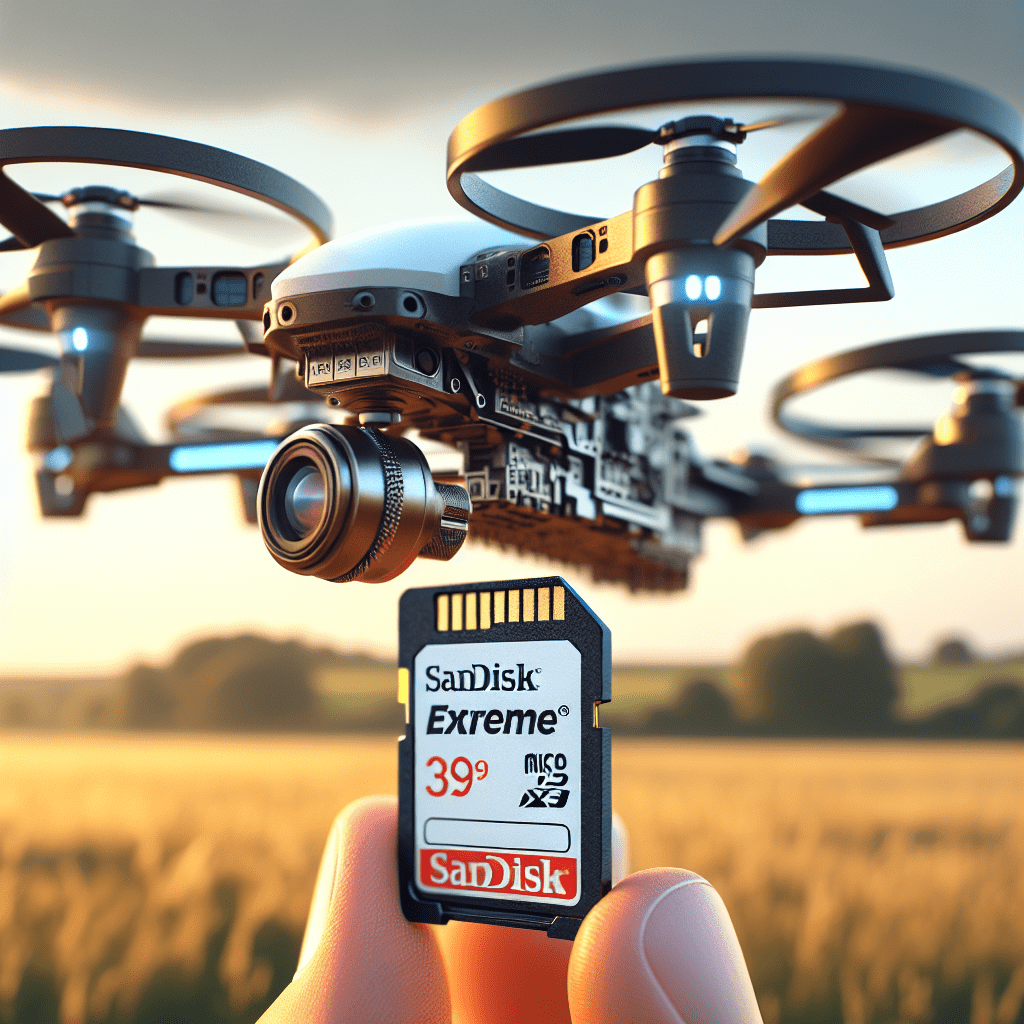
Sandisk Micro SD Card Speeds for Drones Explained
In This Article
- Always opt for Sandisk cards rated V30 or better (U3, UHS-I) for 4K drone footage.
- The Sandisk Extreme range provides optimal performance and durability for Aero3 Lite drones.
- Proper formatting and storage discipline preserves sandisk micro sd card speeds over time.
- Avoid counterfeit cards—purchase from verified UK resellers only.
- Use A2-rated cards if you edit footage directly on mobile platforms.
Why SD Card Speeds Matter for Drones
Understanding Performance Issues with Slow Cards
In the evolving world of aerial photography, having the right memory card isn’t merely a suggestion—it’s a requirement. For modern drones like the Aero3 Lite, using a microSD card with insufficient speed ratings can result in choppy video, frame skips, and even data loss. This is particularly noticeable when recording in 4K or streaming real-time footage. Sandisk micro SD card speeds directly affect how smoothly drones write high-resolution data to storage. Cards that fail to match data capture rates become bottlenecks, leading to dropped frames or failed transfers mid-flight.
Recommended Sandisk Speeds for 4K Recording
Comparing V30, U3, and UHS-I Standards
When filming in 4K on a drone like the Aero3 Lite, not all cards are created equal. Video Speed Class (V-Class), UHS Speed Class (Ultra High Speed), and Bus Interface ratings all contribute to the ideal Sandisk micro SD card speeds. For 4K footage, Sandisk V30-rated cards are the minimum recommendation. This designation means the card can sustain 30MB/s write speeds, essential for handling 4K video streams. U3 class cards also ensure equivalent minimum write speeds and benefit from additional compatibility with cameras and drones that support high-speed data corridors.
Reliable 4K drone footage begins with selecting a V30 or U3-rated Sandisk card—settle for less and your footage quality may suffer.
What Is the Best Sandisk Card for Aero3 Lite?
For Aero3 Lite drone operators, the Sandisk Extreme microSD card stands out as the premier choice. It offers support for UHS-I U3 and V30 standards and is compatible with the drone’s full-speed interface. With read speeds up to 160MB/s and write speeds up to 90MB/s, it easily meets and exceeds the requirements for 4K/60fps video capture. Additionally, the Extreme also supports A2 application performance, which is beneficial when used with mobile devices for editing footage on-site. This model balances speed, reliability, and cost-efficiency—perfect for enthusiasts and professionals alike.
Sandisk Extreme vs Ultra: Which Is Better?
While both the Sandisk Extreme and Ultra are popular microSD options, their performance profiles differ significantly. The Ultra series primarily targets everyday users—ideal for HD video and lighter tasks like photography or storing files. It rarely includes U3 or V30 classifications, limiting its usability for drone-based 4K capture. Conversely, the Sandisk Extreme card leverages faster NAND flash memory and robust controllers to deliver sustained speeds suited for professional-grade use. When analysing sandisk micro sd card speeds, Extreme clearly outpaces Ultra—especially in drone footage scenarios where data throughput consistency is paramount.
Drone SD Card Reliability in UK Climates
Drones in the UK must endure a broad range of climates—from damp coastal rain to frosty rural winds. A reliable Sandisk microSD card must withstand these conditions while ensuring consistent performance. Most Sandisk V30 UHS-I cards, including the Extreme line, boast weatherproof features including waterproofing, shock-resistance, temperature resistance (-25°C to 85°C), and even X-ray protection. These attributes assure dependable operation whether you’re flying in the highlands of Scotland or the urban heart of London. Additionally, robust Sandisk micro SD card speeds are unaffected by fluctuations in ambient temperature—critical for consistency in long shoots.
How to Spot Fake Sandisk Micro SD Cards
Counterfeit SD cards are unfortunately common, even on reputable marketplaces. Spotting a fake is vital to preserve your drone’s performance. Telltale signs include incorrect logos, generic fonts, and dubious packaging. Always check that the serial number matches what’s listed in Sandisk’s official verification portal. Additionally, run speed-check tests using tools like H2testw or Blackmagic Disk Speed Test to verify the card delivers advertised Sandisk micro SD card speeds. Buy only from trusted sources—preferably directly via Sandisk or authorised UK resellers. Clicking on Learn more about Drone Storage and SD Card Optimisation could help you better understand drone-safe purchasing avenues.
MicroSD Speed Class Explained: Symbols & Specs
The world of SD card classification is awash with acronyms and symbols. Here’s how to decode them:
- UHS-I: Defined by a bus interface, supporting up to 104MB/s. Ideal for most drones.
- U3: Indicates a minimum sustained write speed of 30MB/s.
- V30/V60/V90: Video Speed Class ratings, representing sustained write speeds. V60 and V90 are suited for 8K or multi-stream video.
- A1/A2: Application performance ratings, not as relevant for aerial video capture but useful if the same card is used with mobile editing apps.
Understanding these indicators helps evaluate Sandisk micro SD card speeds more effectively, aiding you in selecting the right card for your Aero drone deployment.
Top User-Rated Sandisk Cards for 4K Drones
Among drone pilots, several Sandisk microSD cards are rated highest for reliability, performance, and price. The Sandisk Extreme V30 UHS-I comes up frequently. Its sustained 90MB/s write speed outperforms expectations and ensures seamless 4K/60fps footage. Another contender, the Sandisk Extreme Pro, takes performance a step further, catering to professional cinematographers. This card achieves even higher write speeds and supports more extensive workflows. Real-world tests in UK conditions show minimal buffering time, no corrupted footage, and superior transfer speeds during playback or transfer to editing devices. Dive into performance specs via Read a related article for an in-depth analysis.
Maintenance Tips for Long-Term SD Card Use
To maintain consistent Sandisk micro SD card speeds, regular upkeep is essential. First, avoid filling your card to 100% capacity; leave 10–15% free space to maintain buffer flow. Secondly, format the card inside the drone or using drone-compatible software rather than conventional desktop formats. This optimises file allocation tables for UAV-specific writing patterns. Never remove the card while the drone is powered on—this can cause write errors. Additionally, inspect and clean the card’s contacts at regular intervals, especially after humid or sandy flights. Keeping firmware updated and conducting periodic speed checks will maximise longevity.
FAQs on Selecting the Right Drone MicroSD
Q: Do all drones support V30 cards?
Yes, most modern drones such as the Aero3 Lite are compatible with V30 UHS-I Sandisk cards.
Q: Can I use an A2 Sandisk card?
Certainly, but the A2 specification is more beneficial for app usage than for drone video capture.
Q: Are UHS-II cards backward compatible?
Yes. UHS-II cards work in UHS-I interfaces, but only at UHS-I speeds. Evaluate cost-effectiveness before purchasing.
Q: How often should I replace my microSD card?
With proper care and regular formatting, a Sandisk Extreme card can last several years. Replace it if speeds begin to drop or file corruption occurs.
Best Practices for Formatting and Performance
Proper formatting habits go a long way in preserving your card’s health and ensuring optimal Sandisk micro SD card speeds. Always format within the drone’s system to ensure full compatibility. Formatting in a PC or Mac might leave behind metadata that slows performance. Use the exFAT file system to support large 4K video files. Consider reformatting the card after every major project to prevent fragmented data clusters. Lastly, if you plan to store footage long-term, create backups before deletion, and power-cycle your drone to clear temporary caches. Learn more on formatting strategies from Sandisk official Extreme microSD details.
Conclusion: Get the Most from Sandisk & Aero Drones
[CONCLUSION_CONTENT]
Achieving flawless 4K drone footage requires more than an advanced UAV—it demands the right memory support. With the Sandisk Extreme series, drone pilots capture breathtaking detail with the assurance of dependable Sandisk micro SD card speeds. Understanding card classifications, recognising the best options for the Aero3 Lite, and practising careful maintenance will ensure your media storage never becomes a mission bottleneck. From the unpredictable UK weather to the technical rigours of high-resolution aerial videography, Sandisk cards stand as trusted allies. Equip wisely, maintain diligently, and your drone footage will reflect the precision of both pilot and machine.
Great guide on sandisk-micro-sd-card-speeds-aero – Community Feedback
What speed class SD card do I need for 4K drone footage?
For 4K drone video recording, choose a Sandisk micro SD card with a minimum V30 (video speed 30MB/s) or U3 rating to prevent dropped frames and ensure smooth capture.
Are Sandisk Extreme or Ultra cards better for drones?
Sandisk Extreme cards are preferable for drones, offering faster sustained write speeds—making them ideal for reliable 4K or high bitrate footage with Aero3 Lite models.
What do the symbols on a Sandisk micro SD card mean?
Symbols indicate speed class (C10, U3, V30/V60), type (UHS-I/II), and sometimes app performance (A1/A2)—all help identify if a card supports high-resolution drone video performance.