Kids Drones: Aero1 Lite vs Pro Comparison Guide
In This Article
- Aero1 Lite is ideal for beginner pilots aged 6–10, with basic controls and a safe design.
- Aero1 Pro suits seasoned or older kids, offering GPS, HD camera, and mobile app controls.
- Both drones include safety shutdowns for blade obstruction and signal loss scenarios.
- The Pro offers better value with longer flight times, included spare battery, and better durability.
- Camera quality is significantly improved on the Aero1 Pro with 1080p and live FPV capabilities.
- Parental reviews cite high satisfaction, especially regarding ease of training and responsive support.
In this comprehensive breakdown of Kids Drones, we unpack the differences between MemAero’s Aero1 Lite and Aero1 Pro models. Choosing the right drone for your child can seem daunting, but this interactive comparison makes it easier for parents to make an informed, confident decision. Whether your little one is just starting their drone journey or ready to step up to more advanced features, our expert analysis provides all the insights you need.
Aero1 Lite vs Aero1 Pro: Side-by-Side Comparison
Comparing Key Specs and Flight Features
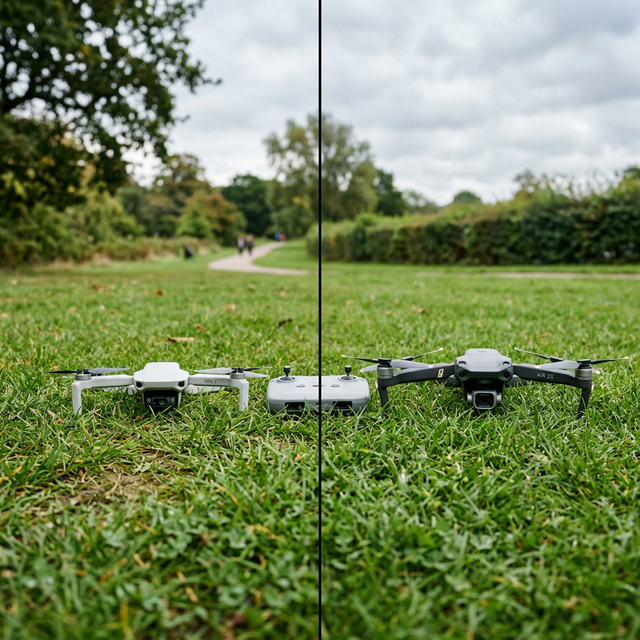
When it comes to Kids Drones, MemAero’s Aero1 Lite and Aero1 Pro stand out due to their balance of capability, design, and safety. However, they cater to distinct user types. The Aero1 Lite is targeted at beginner pilots aged 6–10, with simplicity and ease of use at its core. By contrast, the Aero1 Pro is better suited to slightly older children aged 9–14 who have a bit more hand-eye coordination and technical curiosity.
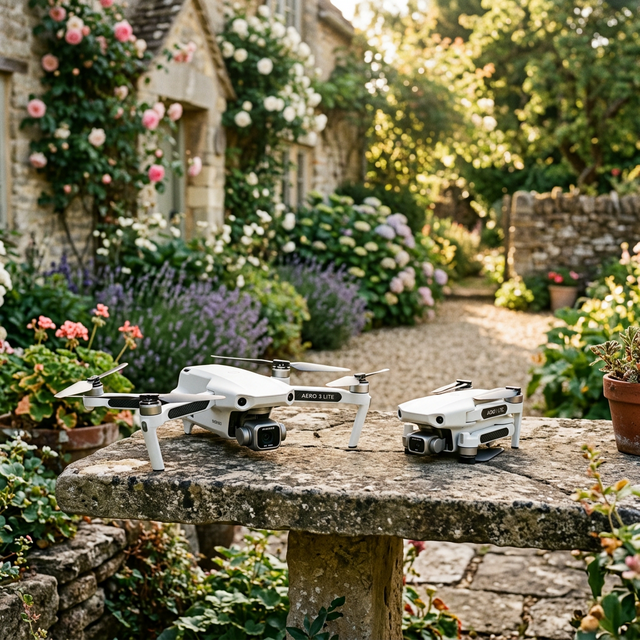
The Aero1 Lite features a lightweight plastic shell, 720p HD camera, auto-hover stability system, and a simplified 4-direction controller. Its flight time averages 7–8 minutes, with a range of roughly 30 metres. On the other hand, the Aero1 Pro boasts a more aerodynamic design with reinforced arms, a 1080p HD camera, 6-axis gyroscope, and GPS-based flight correction. Its battery supports up to 12 minutes of flight with a range extending to 70 metres.
Additionally, while both units flaunt vibrant LED lights and a one-button return home feature, only the Aero1 Pro includes altitude hold precision and trajectory draw technology. These specs make a key difference for those eager to explore aerial creativity. Learn more about Drone Comparison & Buying Guides

Flight Performance: How Each Drone Handles
Speed, Stability, and Controls
The Aero1 Lite prioritises intuitive control, which is crucial for very young users. It operates at a single speed mode, ensuring an easy-to-manage pace without overwhelming the pilot. With its fixed blade guards and responsive touch-button controller, children can master basic flights with minimal effort or risk.
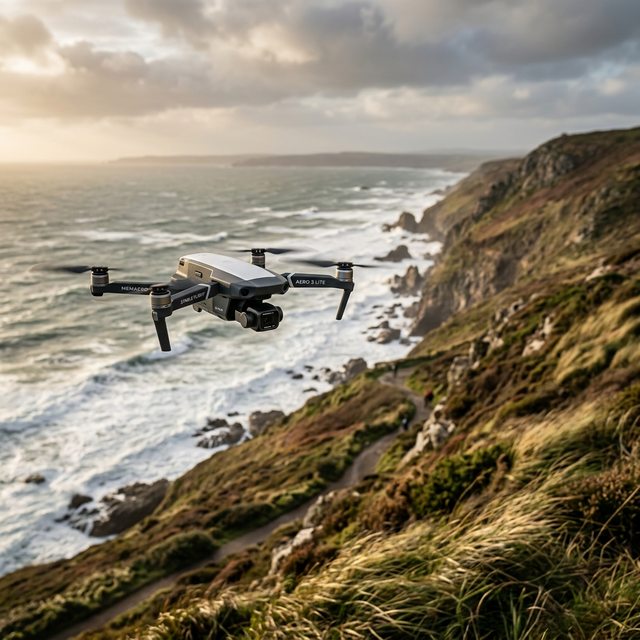
In contrast, the Aero1 Pro provides three variable speed modes – beginner, intermediate, and advanced – letting children progress at their own pace. Stability is significantly enhanced via its 6-axis gyroscope, compounded by air pressure sensors that maintain consistent height even during gusty conditions. This gives it an edge in smooth video capture and precise flight paths.
Furthermore, both drones offer one-key take-off and landing features. However, the Pro’s remote includes a real-time telemetry display, enabling more controlled operation. With dynamic feedback like battery level and signal strength, the Aero1 Pro encourages more engaged piloting and better situational awareness.
“The Aero1 Pro really surprised me with its stability. For a kids drone, it flies better than some entry-level adult drones I’ve tried.” – Tech4Parents Review
Ease of Use for Beginner Pilots
Ease of use is where the Aero1 Lite truly shines. Its 4-channel controller keeps the functionality basic – up/down, left/right, forward/back, and rotate – and its control response is gentle, allowing new users to grow confident within a single session. Additionally, the drone comes pre-calibrated out of the box, requiring no mobile app pairing or complex setup routines.
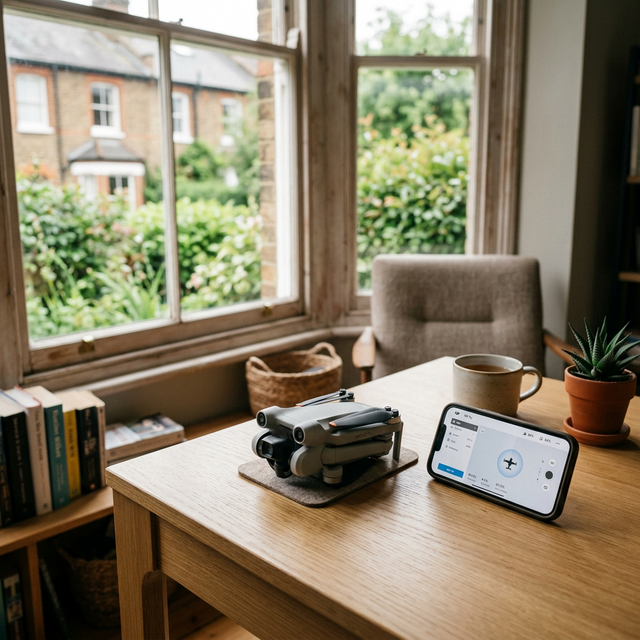
The Aero1 Pro, while not overly complicated, introduces features like app integration, FPV (first-person view) live feed, and gesture control, which may initially confuse total beginners. Nonetheless, once the learning curve is mastered, Pro pilots enjoy far greater command and flexibility.
If your focus is strictly on your child learning the ropes quickly and safely, the Lite’s simplicity is a winner. But if longer-term learning matters, the Pro introduces elements that will sustain engagement over months of regular use.
Safety Features Comparison
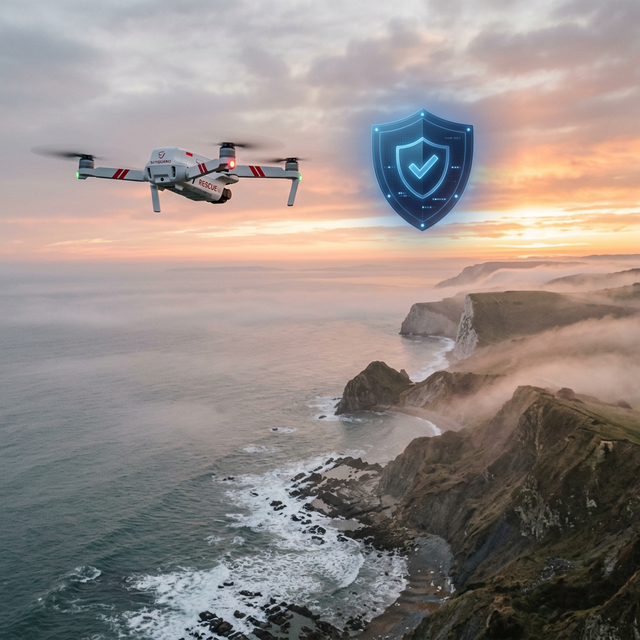
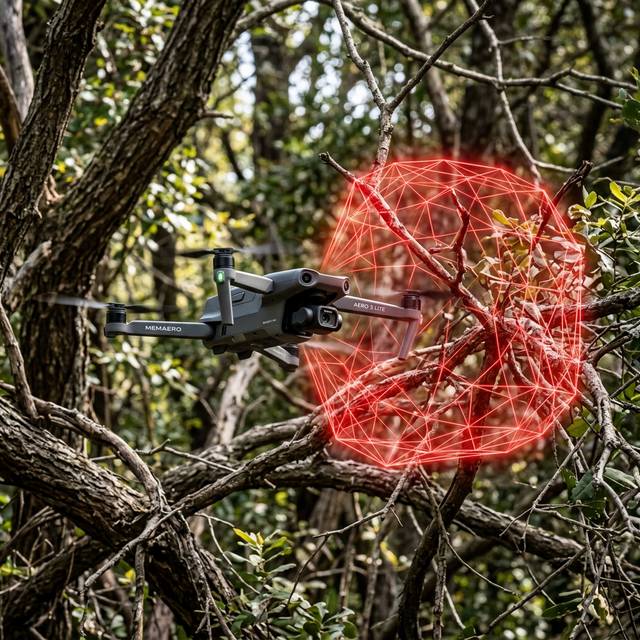
Both the Aero1 Lite and Pro place safety at the forefront of design, which is paramount when discussing Kids Drones. The Lite model includes enclosed propeller guards to prevent minor finger injuries and automatically shuts off when a blade is obstructed. Features like low battery alarms and signal loss auto-landing are standard on both units, adding a critical layer of protection.
The Aero1 Pro enhances child safety with GPS geofencing. Parents can define virtual fencing boundaries via the mobile app to ensure the drone doesn’t stray too far. The Pro also offers emergency motor stop functions and a failsafe return-to-home function if it exceeds the signal range.
In terms of material, the Pro’s reinforced ABS plastic body is more shatter-resistant. This, paired with more robust flight logic, means the chances of erratic crashes are significantly reduced, keeping both drone and user safer.
Design & Durability: Built to Withstand Play
Design often determines how well a drone handles daily use and unexpected mishaps. Kids Drones inevitably face hard landings, wall collisions, and outdoor bumps. The Aero1 Lite leans into a “forgiving design” strategy, featuring flexible arms and soft-touch materials that absorb impact. It’s lightweight, so momentum during crashes is low, which minimises damage.
The Aero1 Pro was engineered with durability in mind. Armoured propeller guards, reinforced landing gear, and a centre-weighted balance design decrease the chances of tipping or internal damage during harder impacts. It’s marginally heavier due to the additional tech inside, though this adds to its wind resistance in outdoor play.
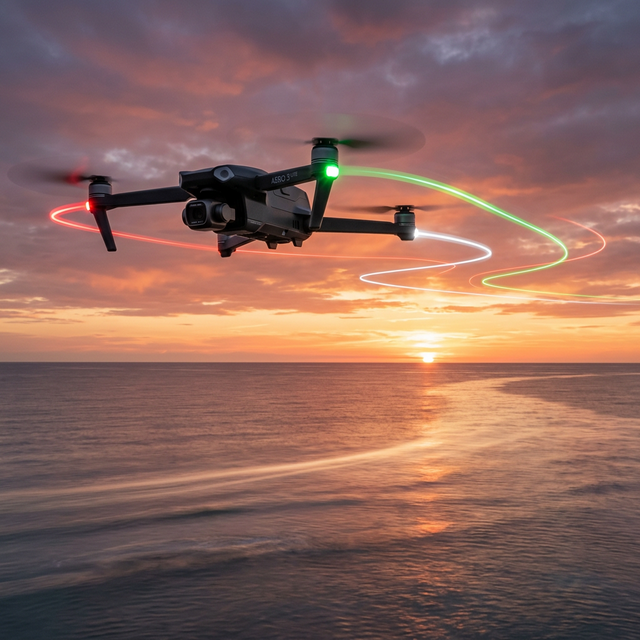
From a design aesthetic, both models come in striking colour variants: red, blue, and neon green, with glowing LED modulation for visibility during twilight hours. Visual appeal aside, both are remarkably well-built for their price point and clearly tailored for the younger demographic.
Camera Quality & Media Capture
For many children, capturing aerial photos and videos is a top reason for wanting a drone. The Aero1 Lite integrates a static 720p camera capable of snap-shots and short clips stored locally on an included 4GB microSD card. There’s no live FPV viewing, meaning kids capture the moment to view later.
The Aero1 Pro elevates the experience with a 1080p HD wide-angle camera that delivers significantly sharper visuals. Moreover, it supports live streaming to a paired mobile device via Wi-Fi and MemAero’s app. Useful features include gesture snap (hold your hand in frame to initiate a picture) and follow-me mode, expanding the play scenarios available.
For aspiring digital creators in the making, the Pro’s camera suite transforms aerial play into something closer to real-time content creation, offering more meaningful engagement compared to the Lite’s limited setup.
Explore top-rated kids drones for 2025
Battery Life and Charging Convenience
The Aero1 Lite is equipped with a 650mAh lithium battery, giving average flight time of about 8 minutes. The battery is removable and charges via USB in approximately 50–60 minutes. One downside is the lack of an extra battery in the box, which can limit playtime between flights.
The Aero1 Pro includes an 800mAh battery, with an average runtime of around 12 minutes. Crucially, MemAero ships the Pro with two batteries by default – a thoughtful inclusion that doubles air-time out of the box. Charging a Pro battery to full takes about 75 minutes, and the battery bay’s quick-swap design means minimal downtime between flights.
Both drones issue low power alerts via sound or LED flashes. These cues, combined with auto-landing features, prevent sudden falls and preserve long-term battery health.
What Parents Are Saying
Parents consistently praise both models but for different reasons. The Aero1 Lite earns high marks for simplicity, ideal suitability for younger children, and safety-first design. Several testimonials report that their six-year-old children had already become comfortable flying in under 30 minutes. MemAero’s tutorials and printed guides also earned appreciation for their clarity.
The Aero1 Pro receives accolades for inspiring extended interest and skill development. Parents of tech-savvy kids appreciated the drone’s app connectivity and semi-professional feel. One review described how the Pro became a subtle segue into STEM learning, as their child became curious about how GPS and sensors worked.
Customer support for both units is touted as responsive and helpful, particularly around calibration issues and spare part requests – areas where many other toy drone brands falter.
Best Value for Money: Aero1 Lite or Pro?
Value often depends on your child’s experience level and intended usage. At nearly half the price of the Pro, the Aero1 Lite delivers essential flying fun with minimal fuss. Parents unwilling to invest heavily up front will find it an ideal introductory option. Maintenance costs are low, and its lightweight construction translates to fewer repair needs.
The Aero1 Pro, while pricier, delivers extensive return on investment through its added features, increased durability, and expandability. Its inclusion of a second battery, higher-grade camera, GPS functions, and smartphone integration broaden its usability. For a child who has tried lesser drones or is fascinated by flight tech, the Pro is without a doubt the better long-term value.
Conclusion: Which Drone is Right for Your Child?
In the contest of Kids Drones, both the Aero1 Lite and Aero1 Pro have their rightful place. The Aero1 Lite is a charming, user-friendly model designed with the youngest users in mind. Its simplicity, affordable price, and gentle learning curve make it a wise first buy.
If your child is a bit older or already familiar with the basics of drone piloting, the Aero1 Pro becomes the clear winner. Its enhanced capabilities, safety enhancements, and extended feature list ensure it grows with your child’s skills and interests.
Ultimately, the best choice depends on your child’s age, confidence level, and your long-term goals. Either way, MemAero offers excellent flying tools tailored to youngsters with safety, learning, and fun at the core of their design philosophy.
Great guide on aero1-lite-vs-aero1-pro-kids-drone-showdown-interactive-comparison-of-memaeros-aero1-lite-and-pro-versions-to-help-parents-find-the-right-drone-for-their-child – Community Feedback
Which drone brand is best for kids?
Top brands for kids include Memaero and DJI, with user-friendly, safe drones designed for young pilots.
What is the best quality entry level drone?
Highly-rated entry level drones like the Aero1 Lite and DJI Mini series combine easy controls with durable designs for beginners.
Which is the best DJI drone for beginners?
The DJI Mini 4 Pro is widely considered the best for beginners, featuring 4K/60fps video, 360° obstacle avoidance, and lightweight design.
What is the smallest drone without a license?
Drones under 250 grams, such as the Aero1 Lite and DJI Mini 4 Pro, do not require a license but must still follow flight rules.