Drone Flying Guides

Drone Return to Home: Avoid These Common Mistakes

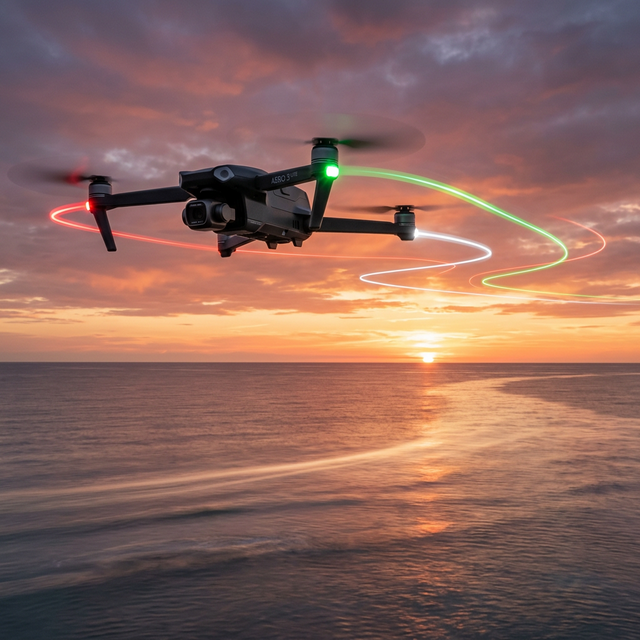
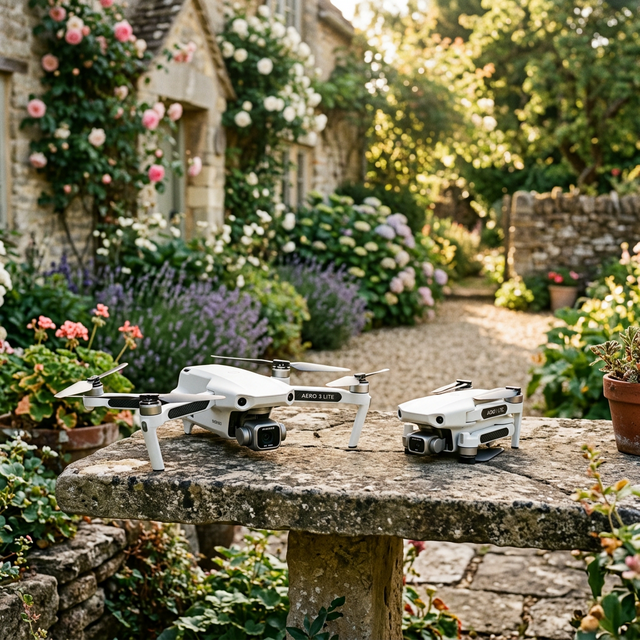
Drone returning to takeoff point during golden hour, demonstrating reliable drone return to home with Aero3 Lite safety features.

Drone Return to Home: Avoid These Common Mistakes

About memaero

We design smart, beginner-friendly drones that make flying easy, fun, and affordable. With UK-based support and 4K features under £100, our Aero range is built for first-time pilots and families alike.

In This Article

  • Always confirm GPS lock and home point before take-off.
  • Use drones like Aero3 Lite for dynamic and safer RTH reliability.
  • Manually override RTH when physical obstacles threaten safe return.
  • Update firmware regularly to maintain flawless RTH functionality.
  • Maintain situational awareness, even during automated return modes.
Understanding how a drone return to home function works can mean the difference between a smooth flight and a disastrous flyaway. This expert guide explores common return-to-home mistakes, how smart drones like the Aero3 Lite help prevent them, and essential tips for safe navigation using GPS-assisted features.

Understanding Drone Return-to-Home Errors

Poor GPS Lock & Home Point Confusion

The drone return to home function is undoubtedly one of the most critical safety features available to modern drone pilots. However, its performance is heavily dependent on the accuracy of the GPS lock and the precise recording of the home point. A frequent issue arises when pilots launch their drone before achieving a strong GPS signal. This can lead to an incorrect home point being saved—or worse, no home point at all.

Confusion regarding the correct home point can lead to the drone returning to an outdated or inaccurate location, especially after mid-flight GPS loss or spoofing. If the drone locks onto the GPS after take-off, it may misinterpret the launch site, thereby returning to an entirely different patch of earth—or even failing to complete its automated return sequence. In densely built environments or wooded areas, this miscalculation increases the chances of crashes or flyaways.

Always wait at least 30–60 seconds after power-on to ensure your drone obtains a solid GPS fix. Many users skip this wait time in their eagerness to fly, which is one of the most common return-to-home pitfalls. Devices like the Aero3 Lite come equipped with intelligent GPS algorithms that routinely update the home point while in flight if instructed, adding another layer of safety reassurance for pilots.

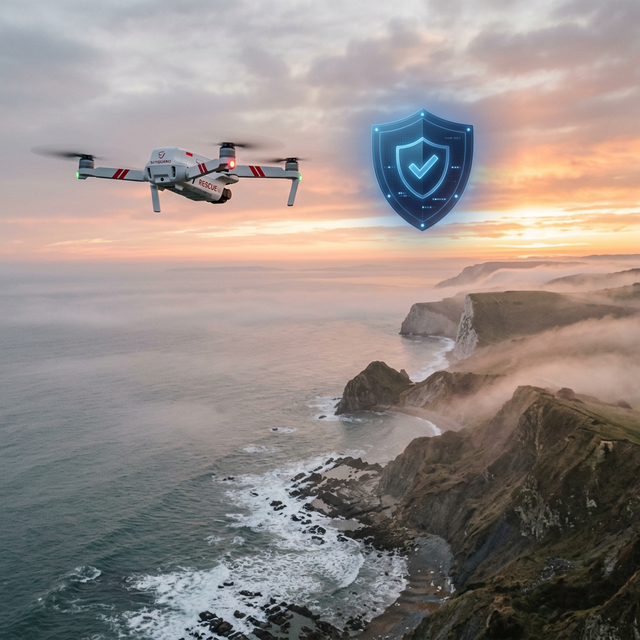
Explainer image showing drone return-to-home functionality, highlighting GPS signal and route tracking to prevent flyaways.

How Smart Drones Like Aero3 Lite Solve Flyaways

Intelligent GPS & Home Point Updates

With the rise of intelligent drones, flyaway prevention has become a science. The Aero3 Lite, in particular, showcases cutting-edge return-to-home design. Unlike basic entry-level drones, it features live home point recalculations, allowing the drone to pivot mid-flight and recalculate a safe route home whenever the user’s position changes significantly. This is especially useful for pilots who trek with their controllers while filming in dynamic terrain.

Equipped with redundant GPS and compass sensors, the Aero3 Lite performs constant recalibration to ensure that the drone return to home remains precise, even in GPS-deprived environments. Further supporting this are intelligent flight parameters that prevent automated RTH from engaging during erratic flight conditions, such as magnetic interference or unpredictable wind patterns.

By integrating machine learning into its navigation protocols, the Aero3 Lite learns from pilot flight habits. This not only enhances return accuracy but also allows novice flyers to operate with previously reserved confidence. It’s no surprise Aero3 Lite has been consistently recommended in numerous <a href="Learn more about Essential Drone Safety and Flight Automation“>drone pilot safety tutorials.

“Aero3 Lite’s adaptive RTH system redefines drone safety standards—especially for beginners flying in GPS-variable zones.”

Common Pilot Mistakes That Trigger RTH Failures

Despite upgrades in drone technology, operator errors still remain a prominent cause of return-to-home failures. Forgetting to set or confirm a home point is high on the list. Some users manually take off but rely on the automated RTH to bring the drone home—only to discover too late that the set home point was their last location rather than the launch site.

Altitude setting errors also frequently contribute to RTH crashes. If the return-to-home altitude is set below trees, skyscrapers, or terrain features en route, even a safe home point may result in collision. It’s imperative users adjust RTH height above all local obstructions.

Impulse pausing or cancelling RTH due to visual misjudgement is another issue. Pilots often panic during the RTH process, especially when the drone appears to be veering off course, not realising that the trajectory is compensating for wind or GPS drift. Confidence and patience are critical during this phase.

Battery Levels and Misjudged Power Failures

Low battery is among the top reasons for RTH engagement, but incorrect battery estimates can gamble the safety of a drone. When a drone initiates return-to-home too late—especially with headwinds involved—the remaining charge may not suffice to complete the journey.

Advanced models like the Aero3 Lite feature predictive analytics that monitor return range in real-time, calculating whether the remaining power is truly sufficient to return or land safely on site. This offers a tremendous upgrade over older models that simply trigger RTH at a fixed battery threshold regardless of travel distance.

It is always wise to consider tailwind conditions; they might carry your drone farther than expected during flight, but that advantage disappears during the return. Consult your drone’s telemetry data before flying far out to ensure a safe and achievable RTH distance.

Manual Override Options for RTH

While automated return-to-home is an essential fail-safe, every competent drone pilot must equally understand how and when to override it. In some scenarios—such as active wildlife, temporary obstacles, or human interference—manual intervention can prevent a collision where automated RTH would blindly fly toward a set point.

On the Aero3 Lite, for instance, pilots can pause RTH and immediately switch to manual control. This dual-layer safety mechanism ensures skilled users can decode the risk in real-time and make informed corrections. Whether the interference comes from birds, large power lines, or shifting ground activity, manual override competence is a necessary inclusion in any responsible drone workflow.

Why Aero3 Lite Is Ideal for Beginners

Many beginner users are hesitant to fly drones long-distance due to fears of losing their devices. The Aero3 Lite counters these apprehensions with intuitive RTH features that provide visual and audio feedback during all stages of the return. These include ascending to safe altitude, path plotting back toward home, and gradual descent with positional updates.

Its simplified UI allows even novice users to execute an RTH with the push of a single dedicated button. Additionally, the Aero3 Lite issues pre-flight reminders to verify home point settings, battery adequacy, and GPS readiness—eliminating the guesswork involved for less-experienced flyers.

Learning curves are significantly reduced, making the Aero3 Lite one of the most forgiving, yet powerful, drones for first-time pilots. Its firmware even conducts post-flight diagnostic logs, which serve as learning tools for future flights.

Comparing Aero3 Lite with Other Drones

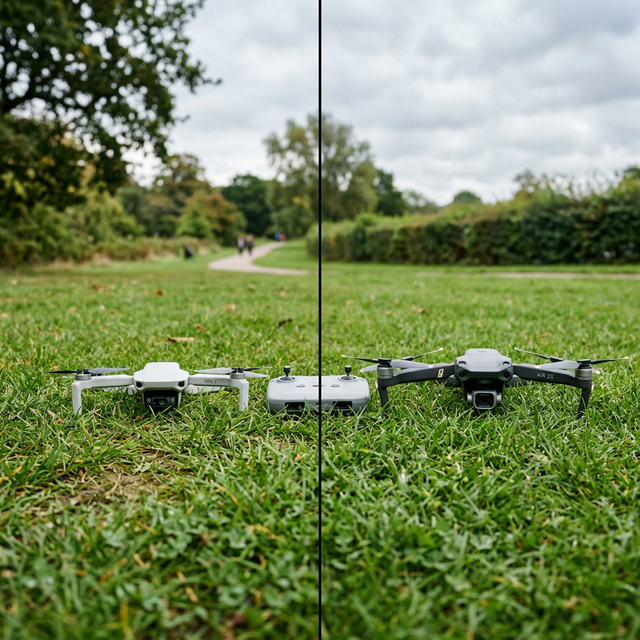
When contrasted with other drones in a similar price bracket, the Aero3 Lite consistently outperforms in the RTH reliability category. Budget drones often carry rudimentary GPS modules, leaving their return algorithms susceptible to imprecision. Aero3 Lite, however, employs GPS, GLONASS, and Galileo satellites, leading to faster signal acquisition and more accurate home point detection.

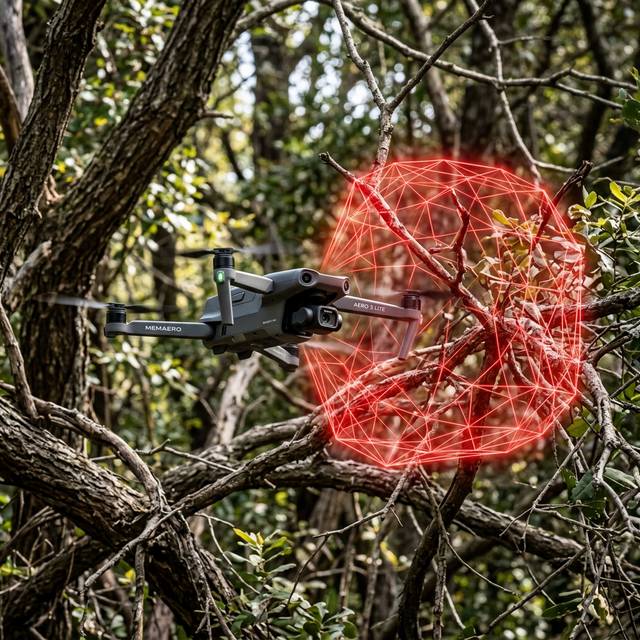
Moreover, some competitors lack obstacle detection during return-to-home sequences, increasing crash potential. The Aero3 Lite employs downward and forward sensors that allow it to hover, reroute, or land vertically when obstructions get detected during its return path.

Its companion mobile app also includes advanced telemetry reviews, which are often absent in less capable drones. The inclusion of rich log details empowers pilots to refine their use and investigate incidents with confidence.

Live RTH Case Studies and Troubleshooting Tips

The Aero3 Lite’s diagnostics suite has documented numerous use cases where return-to-home rescued inexperienced pilots. One case involved a drone losing visibility during a foggy highland excursion. By activating smart RTH remotely, the Aero3 Lite was able to navigate vertically to clearer skies, realign via GPS, and descend accurately to the take-off location.

Another common fix involves firmware optimisation. Occasionally, outdated software can cause incorrect altitude values or GPS delays. Ensuring you regularly update firmware and recalibrate sensors can mitigate over 60% of return-related errors. For a detailed guide on this, refer to Read a related article.

How to Use Your GPS Drone Responsibly

Trusting your drone’s GPS should not come at the cost of vigilance. Confirm the GPS status, satellite count, and home point marker on your interface before flight. Use local maps to identify safe nearby landing zones in case RTH is triggered remotely but landing near home is unfeasible.

Flying in dense cities introduces signal bounce due to tall buildings; avoid open-return RTH in urban environments unless assisted by real-time visual observer support. The more complex the setting, the more conservative your RTH-use should be.

Respecting local aviation regulations is non-negotiable. In some jurisdictions, failure to configure a drone correctly for RTH can result in legal penalties. Be proactive: register, geofence, and practice regular home return drills.

Checklist Before Engaging RTH

  • Verify at least 10 satellite GPS lock before launch.
  • Manually set (or check) the recorded home point.
  • Ensure flight altitude is higher than nearby obstacles.
  • Confirm battery level supports RTH trip plus cushion time.
  • Test RTH button with short-distance practice before extended flights.
  • Review local environmental hazards (trees, poles, etc.).
  • Activate anti-collision sensors if available.

Reliable Drone Recovery in Complex Environments

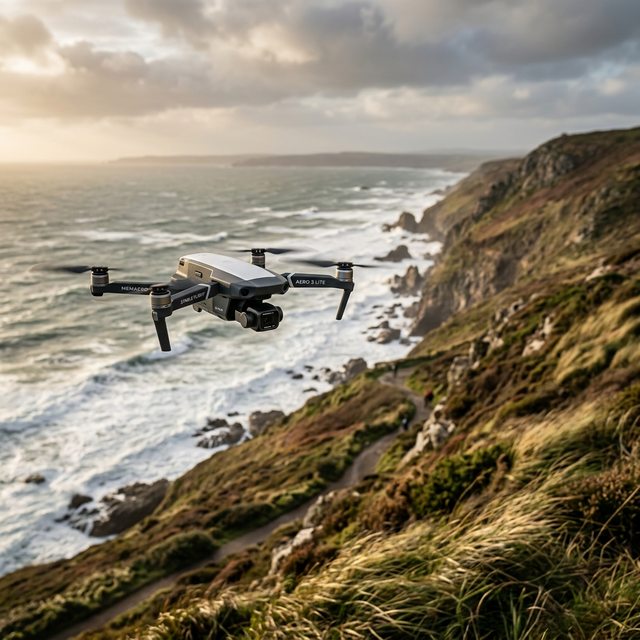
RTH precision becomes even more vital in mountainous, wooded, or marine locations. The Aero3 Lite adapts to these scenarios with automated response planning. For instance, the drone can retract from cliffs if the return path involves sudden terrain changes. Altitude sensors guide it to perform a safe climb function before initiating the straight-line trajectory home.

Additionally, in the event of signal loss, Aero3 Lite employs an automatic ‘hover-and-wait’ tactic when GPS deviation exceeds acceptable margins. This buys time for signal reacquisition or manual recovery, rather than forcing a blind return.

These safety parameters are critical for search-and-rescue operators and media professionals capturing remote footage. With the Aero3 Lite, drone recovery is exponentially more reliable—even in the most unpredictable environments. For more techniques, see our extended industry best practices over at discussion on real RTH malfunctions.

Final Thoughts: Safe Navigation with Smart Return Features

[CONCLUSION_CONTENT]

Great guide on return-to-home-mistakes-aero3-lite – Community Feedback

What are the most common Return-to-Home (RTH) errors in drones?

Typical RTH errors include poor GPS lock, incorrect home point, battery miscalculations, and signal loss, all of which can cause the drone to land in the wrong place or not return at all.

How does Aero3 Lite improve Return-to-Home reliability?

Aero3 Lite employs enhanced GPS, real-time home point updates, and smart return algorithms, ensuring precise, safe returns even in tricky conditions.

Can I manually override the Aero3 Lite automatic return?

Yes, Aero3 Lite allows manual override during RTH, giving pilots the flexibility to adjust the route or landing location as conditions require.