

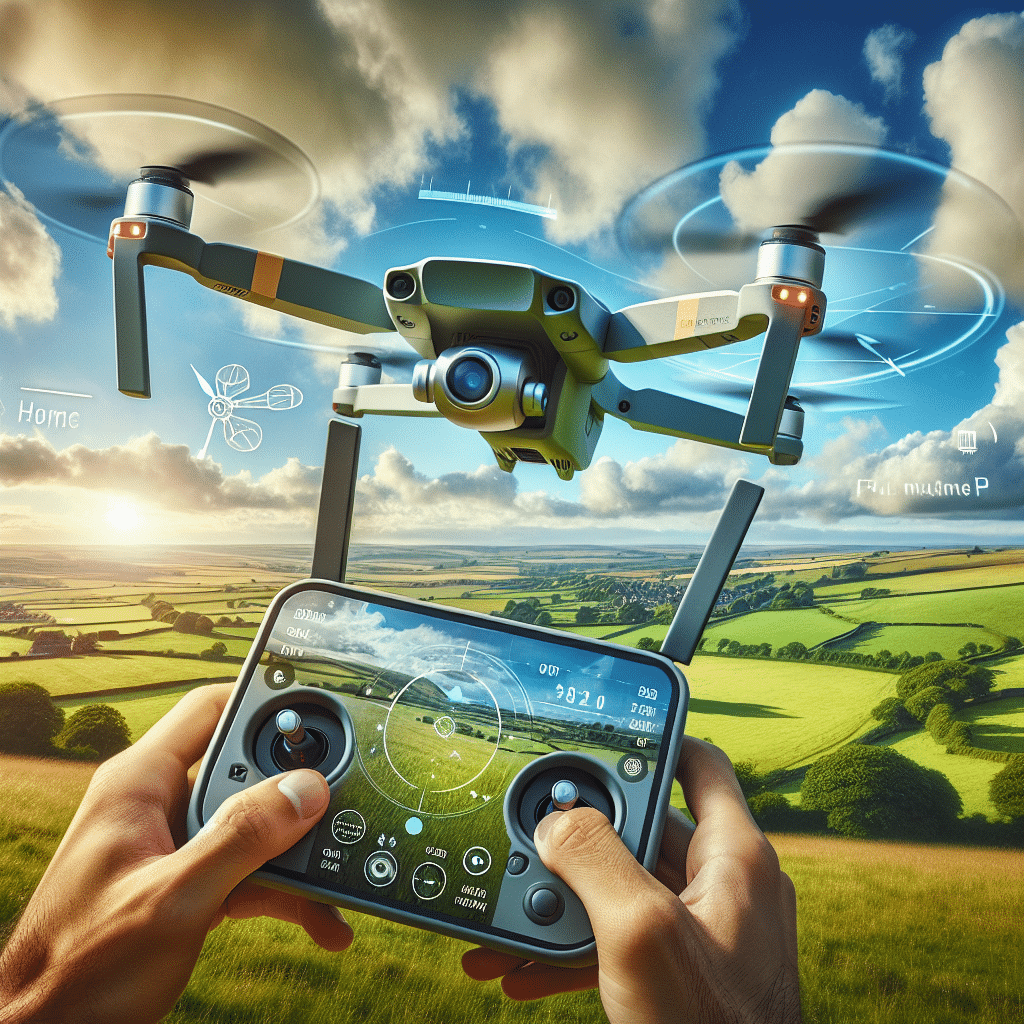
Aero3 Lite GPS Guide for UK Drone Beginners
In This Article
- The Aero3 Lite GPS uses real-time satellite data for smoother, stable flight—ideal for UK beginners.
- Return to Home (RTH) offers a lifeline in emergencies, enhancing drone retrieval.
- Always calibrate your drone and confirm a strong GPS lock before flying.
- Weather conditions in the UK play a significant role in GPS performance.
- Practising RTH flights boosts confidence and reduces crash risk.
Why GPS Matters in Beginner Drones
Understanding GPS-Based Stability
The Aero3 Lite GPS is an exceptional entry-level drone designed with safety, simplicity, and stability in mind. Unlike non-GPS drones that rely solely on manual control and visual orientation, the Aero3 Lite GPS leverages satellite positioning to maintain consistent flight paths and hover stability. This foundational feature is especially important for those new to piloting UAVs, as it significantly reduces the chances of erratic flight caused by gusts of wind or sudden control errors.
What makes the Aero3 Lite GPS stand out is its robust GPS integration. As a new pilot, learning to fly a drone can be daunting. However, GPS-enabled drones automatically correct their positioning in the air, making the learning curve much less steep. This is crucial when flying in the often unpredictable weather conditions of the UK, where wind and sudden drizzles are common.
Additionally, the GPS in the Aero3 Lite GPS allows pilots to hold steady hover positions, which is especially beneficial when trying to capture stable aerial imagery or video. By combining barometric and GPS positioning, this drone maintains its spot in the sky, giving beginners ample time to adjust to the controls without the anxiety of constant drift.

What Is Return to Home (RTH)?
Safety Backup for New Pilots
Return to Home (RTH) is a vital GPS-powered feature that automatically guides your drone back to its original take-off point. The Aero3 Lite GPS includes both manual and failsafe RTH modes. That means you can either manually activate RTH with a button press, or the drone will initiate it automatically if the signal is lost or the battery reaches a critical level. For first-time flyers, this adds a significant layer of confidence, ensuring that your drone is never truly lost—even if you momentarily lose control.
The Aero3 Lite GPS locks the take-off location as the “Home Point” using satellite data. Should you encounter signal loss, low battery, or simple disorientation, the drone retraces its steps and lands safely at the original spot. Many beginner drone incidents involve losing visual contact or misjudging the return path. With RTH, you always have an emergency measure in place, turning potentially disastrous situations into minor hiccups.
In the UK, where built-up areas, hills, and trees can create unpredictable flying environments, RTH is indispensable. It mitigates risks associated with loss of line of sight or sudden weather changes. The Aero3 Lite GPS’s RTH function includes altitude control, ensuring the drone ascends to a safe height before returning, avoiding obstacles such as trees or buildings.
“The Return to Home feature on the Aero3 Lite GPS has saved me multiple times as a first-time drone flyer. It’s truly a beginner’s best companion.”
Setting Up Your Aero3 Lite in the UK
Getting your Aero3 Lite GPS ready for flight in the UK requires accurate location calibration and adherence to airspace regulations. Begin by selecting an open, flat area ideally free from overhead obstructions such as power lines or tall trees. Once placed on the ground, power on the drone and remote controller, allowing the system a few minutes to acquire GPS satellites. It’s recommended to wait until at least 10 satellite connections are made before taking off.
Next, calibrate the compass and IMU (inertial measurement unit) as per the on-screen instructions. This ensures accurate directional control. For optimal results, avoid calibrating near metallic objects or large vehicles, which can disrupt the magnetic field. Most importantly, register with the Civil Aviation Authority (CAA) and follow the <a href="Learn more about Beginner Drone Flying and Safety“>Drone Code to stay compliant with flying laws in the UK.
Once calibration is done, perform a short test flight at low altitude to check responsiveness and satellite stability. If the drone drifts or behaves unusually, land immediately and re-check calibration settings before attempting another flight.
Activating and Testing RTH
Activating Return to Home on the Aero3 Lite GPS is straightforward but requires proper setup to function correctly. Before flight, ensure the Home Point is set. The drone’s controller screen usually confirms this once sufficient GPS satellites are locked. If you have moved locations after initial GPS lock, reset the Home Point to avoid an unintended return to an old location.
To test manual RTH, fly the drone a safe distance (20–30 metres) away at a modest altitude. Tap the RTH button on your remote or app interface. The drone will ascend to its preset RTH altitude—typically around 30 metres—and begin travelling back in a straight line. Once overhead, it will descend and land automatically. Use this routine regularly to build trust in the system before longer-range flights.
Always verify you’re in GPS flight mode, not ATTI (Attitude) mode, which disables GPS functions including RTH. Also, adjust the RTH altitude if flying near structures like wind turbines or towers. Configuring RTH properly turns it into your safety net, not just a luxury feature.
Using GPS for Hovering and Stability
Hovering accuracy is one of the strongest suits of the Aero3 Lite GPS. When GPS mode is active, the drone maintains its current position without manual input. This is especially useful for beginners learning the intricacies of throttle control and yaw adjustment. In this steady hover, you can rehearse camera movements, gimbal angles, and panoramic views without worrying about drift or loss of balance due to wind.
In GPS mode, slight control stick movements result in smooth, measured drone motions, allowing new pilots to fine-tune their orientation skills. Additionally, the Aero3 Lite GPS’s downward vision sensors assist in maintaining position at lower altitudes where GPS signals may fluctuate, further enhancing hovering reliability.
Common GPS Signal Issues and Solutions
Despite how reliable GPS technology has become, interruptions can occur. Common causes of GPS signal loss on the Aero3 Lite GPS include flying near tall structures, interference from power lines, or poor weather conditions. In rural UK areas, deep tree cover and valleys can also disrupt signal consistency. Always monitor your satellite count on the drone’s display; fewer than 7 satellites may degrade performance.
If you experience GPS loss mid-flight, don’t panic. The drone may automatically switch to ATTI mode, where it maintains altitude but not position. Safely steer the drone back using visual cues and switch back to GPS mode when the signal resumes. Avoid launching the drone indoors or near urban radio towers, which tend to overwhelm the GPS module. Regular firmware updates also help the drone make better satellite connections and reduce the risk of signal disruption.
Weather Conditions for Best GPS Lock
The UK’s often unpredictable weather can pose issues for aerial navigation. Clear skies offer ideal GPS conditions, allowing the Aero3 Lite GPS to receive multiple satellite connections with minimal interference. Cloudy but dry weather is still acceptable, though it may slightly increase time to lock on.
Avoid flying in rain or heavy fog, as moisture and limited visibility affect not only signal reception but also safety. Wind conditions exceeding 15 mph can also push the drone beyond its stable hover capacity, which may compromise RTH functionality. A calm, clear morning typically provides optimum GPS connectivity, allowing for a stress-free flight experience.
Beginner Pilot Safety Tips in the UK
Safety should always be the top priority when operating the Aero3 Lite GPS. First, check your flight zone using the official drone apps like Altitude Angel or apps recommended by What Return to Home means in drones to avoid restricted airspace. Keep the drone within visual line of sight and never exceed the UK’s 120-metre altitude ceiling.
Pre-flight checks are critical. Confirm battery levels, GPS signal strength, RTH settings, and compass calibration before each flight. Also, wear high-visibility clothing if flying in public parks to alert passersby of drone activity. Taking a few moments prior to flight for a mental checklist helps avoid common mistakes and promotes a culture of responsible flying.
Monitor Battery and Signal Strength
One of the most common reasons for drone mishaps among beginners is poor battery management. Always begin flights with a fully charged battery and keep an eye on the battery percentage throughout your session. The Aero3 Lite GPS provides visual and audible alerts when battery capacity drops to predefined limits, typically 30% (warning) and 15% (critical).
GPS signal strength should be monitored alongside battery metrics. If either drops, cut the flight short and bring the drone back. To extend battery life, avoid rapid ascents and aggressive flight patterns. Flying at consistent speeds and altitudes greatly preserves energy and makes RTH more predictable.
Practicing Take-Offs and Landings with RTH
Mastering take-offs and landings is central to confident piloting. With the Aero3 Lite GPS, practice short automated take-offs followed by immediate landings until you’re familiar with the drone’s base handling. Use small throttle inputs to understand elevation response, and maintain a close distance where you feel comfortable.
Next, simulate emergency conditions by flying modest distances and activating RTH deliberately. Observe how the drone responds—whether it ascends, turns, and descends as expected. Understanding this workflow builds vital muscle memory and ensures local GPS conditions are sufficient. Over time, your reaction time and stress levels during drone manoeuvres will improve noticeably.
Optimizing Home Point Accuracy
For the Aero3 Lite GPS’s RTH to function flawlessly, setting an accurate Home Point is non-negotiable. If the drone uses a fuzzy or previous location, RTH might lead it into trees or unsafe landing areas. Always check the Home Point registration on the controller screen or companion app before take-off. If unsure, reset it manually.
For moving flight bases, such as on boats or in vehicles, use the feature that updates Home Point dynamically based on controller or app location. Ensure you’ve enabled this before flight. The more accurately this point is logged, the higher your chances of retrieving the drone safely in all scenarios.
Conclusion: Fly With Confidence
The Aero3 Lite GPS is a best-in-class beginner drone, offering intelligent flight features tailored to the needs of novice UK pilots. The integration of GPS and Return to Home transforms the flying experience, providing both levelling support and flight safety. With proper setup, weather awareness, and regular practice, you can unlock the full potential of this intelligent aircraft. From steady hovering to automatic returns, there’s a lot for beginners to appreciate in the Aero3 Lite GPS. Make every flight a controlled, enjoyable experience. For more tips, check out Read a related article.
Great guide on aero3-lite-gps-rth-new-pilots-uk-guide – Community Feedback
What does GPS do on the Aero3 Lite?
The Aero3 Lite’s GPS locks your drone’s position for stable flight, smooth hovering, and enables Return-to-Home, making flying safer for beginners.
How does Return-to-Home (RTH) work?
Return-to-Home uses GPS to bring your drone back to its take-off point automatically if it loses signal, runs low on battery, or when triggered manually.
Do I need to set up RTH before every flight?
Yes, it’s best practice to check and set your Home Point each flight launch to ensure RTH brings your Aero3 Lite safely back to you.